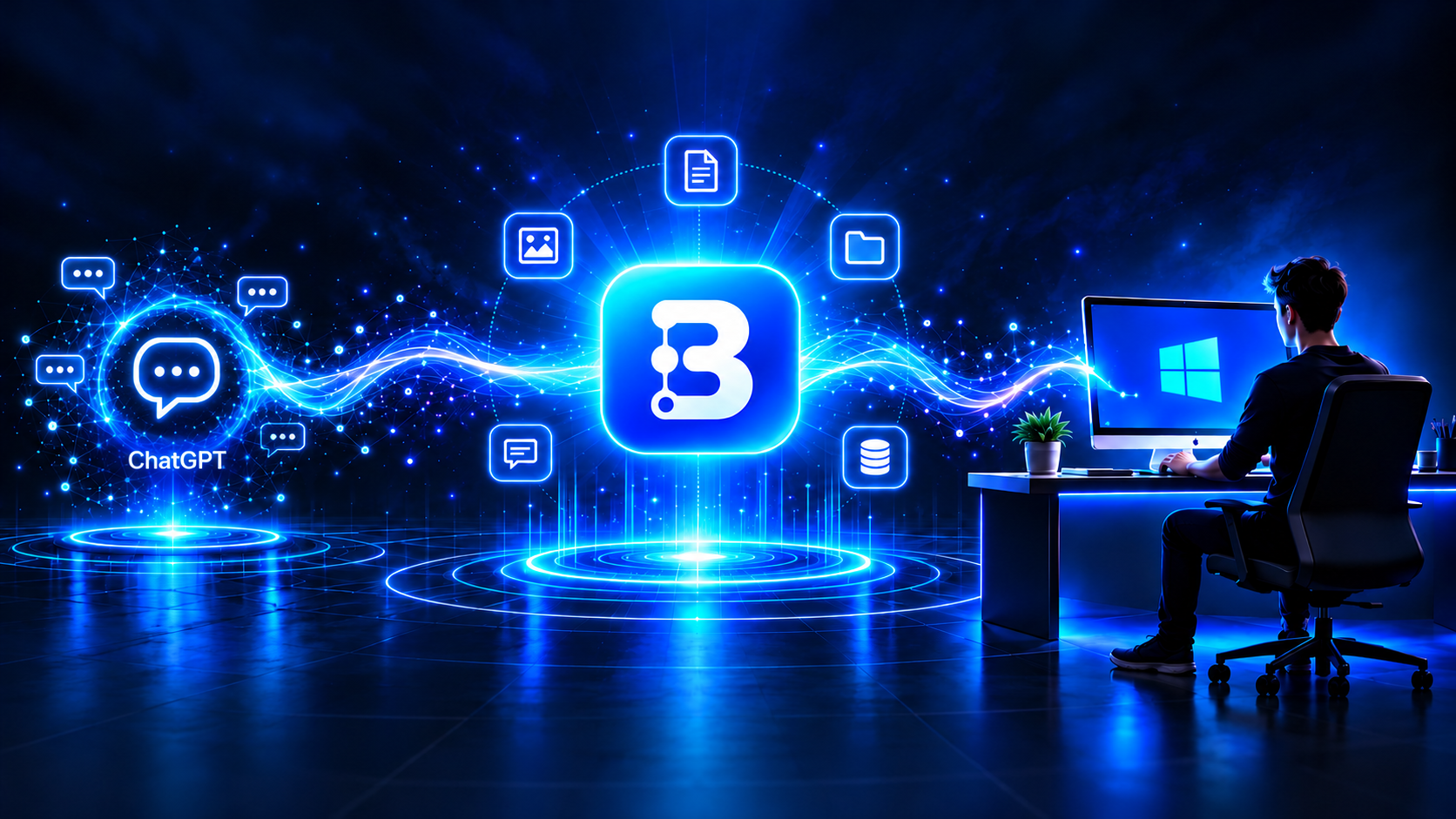
AI may change. Your memory stays with you.The original copy of your personal memory stays on your PC, and BmePort connects it to the AI you use when needed.
BmePort securely connects ChatGPT to your Windows PC and approved local tools so ChatGPT can inspect, act and verify supported work on the device under user control.
1
Download
Install BmePort on Windows.
2
Connect once
Enter the code shown on your PC in My Account → Add a PC.
3
Just chat
After OpenAI app approval, select BmePort in ChatGPT and ask naturally.
Just say what you need.
Once BmePort is linked, you do not need to memorize commands or folder paths. Public ChatGPT access is pending app approval.
Find files“Find my contract on this PC.”Previous work“Continue what I was working on yesterday.”Organize information“Find and summarize my shopping business documents.”Memory“What did I decide last time?”File tasks“Edit this document and save it.”
When you need BmePort
BmePort connects ChatGPT when a request needs files, work history, personal memory or supported programs on your Windows PC.